TalkTaller

Install TalkTaller on your phone or computer

TalkTaller is a web app you add to your device. After you install it, it works offline — yours to keep and practice with, even without a connection.

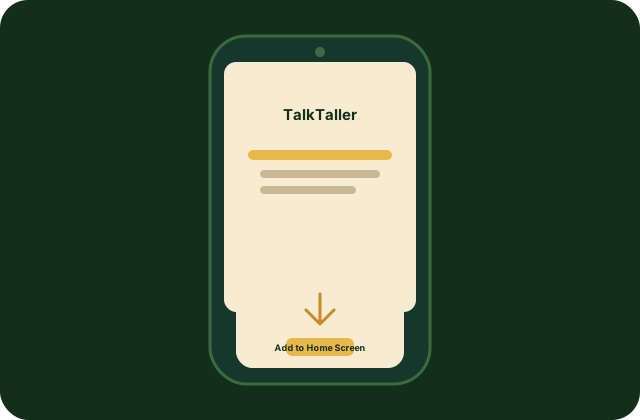
An iPhone with the Add to Home Screen option

iPhone and iPad

  1. Open TalkTaller in Safari (not Chrome or another browser).
  2. Tap the Share button — the square with an arrow pointing up.
  3. Scroll down and tap Add to Home Screen, then tap Add.

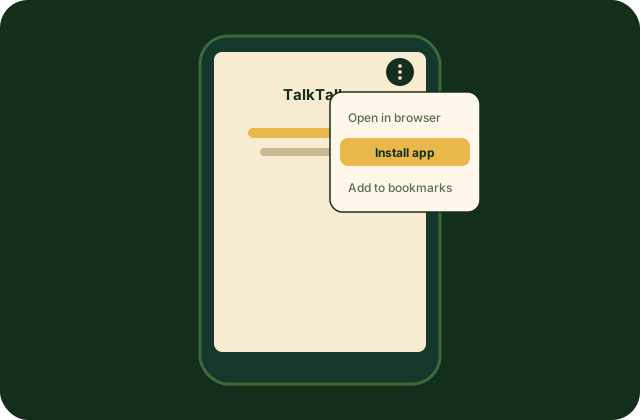
An Android phone with the Install app option

Android

  1. Open TalkTaller in Chrome.
  2. Tap the menu — the three dots in the corner.
  3. Tap Install app (on some phones it says “Add to Home screen”), then confirm.
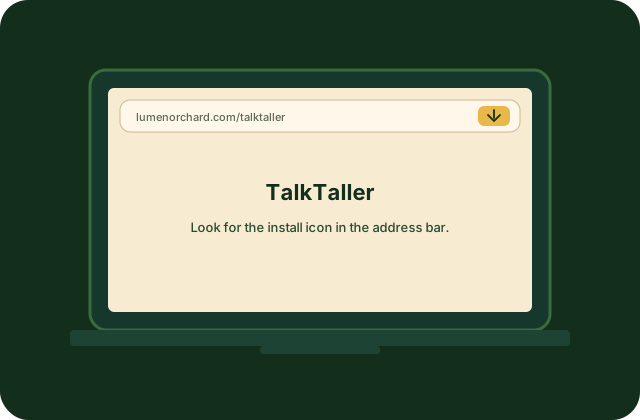
A computer browser with an install icon in the address bar

Computer

  1. Open TalkTaller in Chrome or Edge.
  2. Look in the address bar for the install icon — a computer with a small download arrow, or a plus sign.
  3. Click it and choose Install. TalkTaller opens in its own window.

That’s it. You’ll see the TalkTaller icon with your other apps. You can also preview the app in the browser first, or get TalkTaller for $29.